Best Free Embroidery Digitizing Software: Is Ink/Stitch Actually Usable? (2026)
Looking for free embroidery digitizing software? We test Ink/Stitch, Inkscape extensions, and free viewers to see if zero-dollar software can produce commercial stitch quality.
Embroidery Digitizing Studio
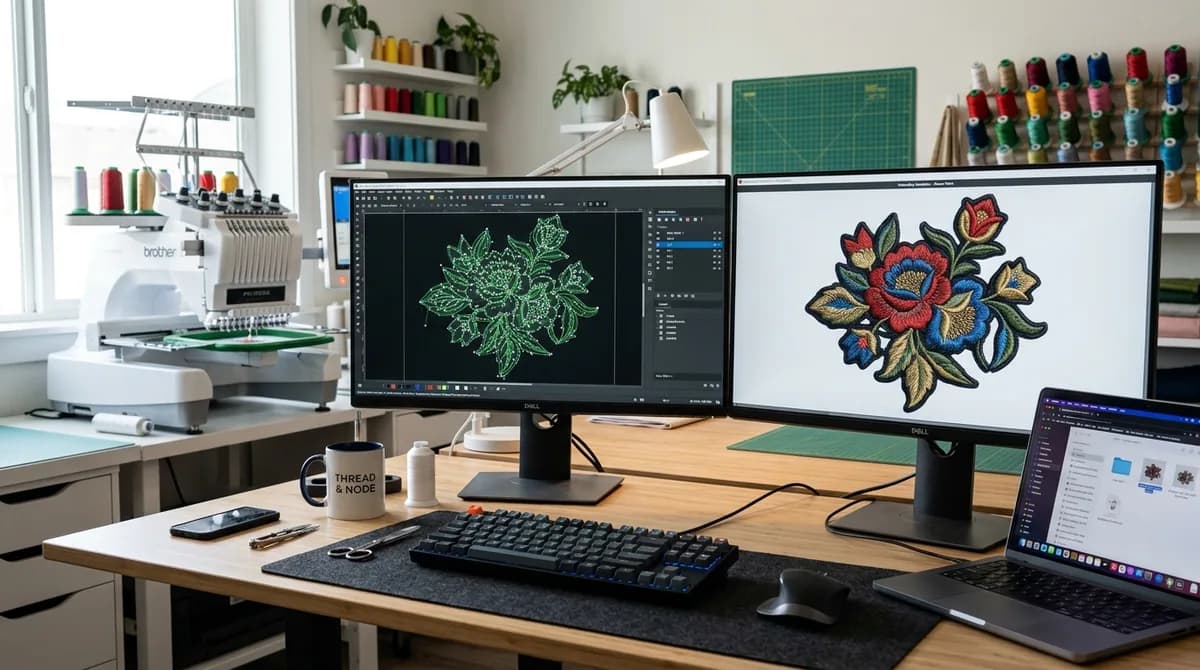
Every crafter and small embroidery business owner who buys an embroidery machine eventually faces the same sticker shock: professional digitizing software like Wilcom EmbroideryStudio, Hatch 3, or Brother PE-Design costs anywhere from $1,100 to over $4,000.
Naturally, the top question searched on Google is: 'Is there good free embroidery digitizing software that actually works?' In this complete 2026 guide, we test the top free options — Ink/Stitch, Bernina Artlink, and Embrilliance Express — evaluating their genuine capabilities, hidden limitations, and whether free software is worth your time.
The Top Free Embroidery Tools Compared
Before downloading software, understand that not all 'free' tools do the same job. Some are full manual digitizers, while others are merely file format converters or lettering viewers:
- Ink/Stitch (Inkscape Extension): The only true, full-featured open-source manual digitizing suite. Free forever, cross-platform, capable of satin columns, fills, and machine commands.
- Bernina Artlink 9: Free utility by Bernina. Excellent for resizing existing designs, rotating, and converting between DST, PES, EXP, and ART formats, but cannot digitize raw artwork from scratch.
- Embrilliance Express: Free lettering viewer. Lets you type built-in BX embroidery fonts and save stitch files, but requires paid upgrades ($160-$650) to digitize custom artwork.
- DIME My Editor: Great free file viewer and stitch editor for inspecting stitch counts, thread color stops, and sequence simulations.
Deep Dive: Ink/Stitch Honest Review
Ink/Stitch is built on top of Inkscape, the open-source alternative to Adobe Illustrator. If you already know vector path manipulation (Bézier curves, nodes, strokes, fills), Ink/Stitch gives you surprising control without spending a penny.
The Pros of Ink/Stitch:
- 100% free and open-source with no trial restrictions, exports, or licensing limits.
- Supports almost every commercial machine format (Tajima DST, Brother PES, Janome JEF, Husqvarna VP3, Melco EXP).
- Includes a realistic 3D embroidery simulator to review virtual stitch-outs before sewing.
- Active community on GitHub and YouTube sharing regular updates and troubleshooting tips.
The Cons of Ink/Stitch:
- Steep, frustrating learning curve: Expect to spend 15 to 30 hours learning XML parameters and command markers.
- No smart auto-underlay: You must calculate and set center-walk and tatami underlay scaffolding manually.
- Frequent path direction bugs: If two vector rails have mismatched node counts, satin columns twist into knots.
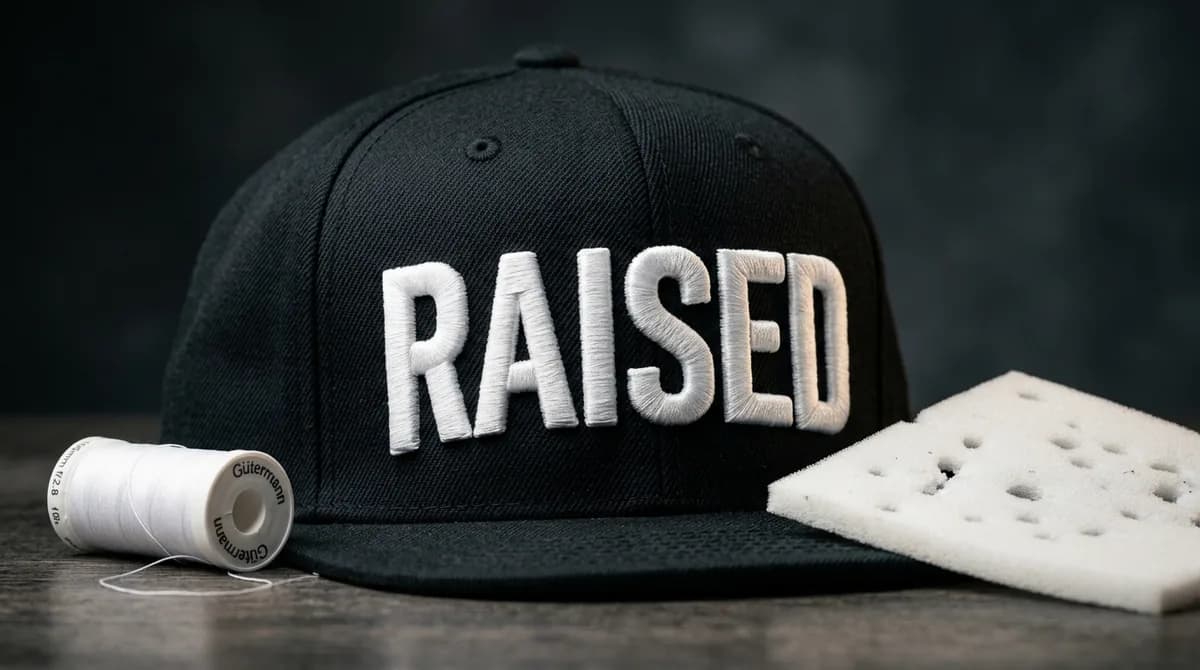
- No built-in cap or puff presets: Digitizing curved cap logos or 3D puff foam requires tedious manual compensation.
Free Software vs Paid Suites vs Outsourcing
Here is how free open-source tools compare against premium software and professional digitizing services:
- Ink/Stitch (Free): Cost $0 | Learning Curve: Very High | Best For: Hobbyists, students, and DIY makers with plenty of free time.
- Hatch 3 / Wilcom ($1,199 - $3,999): Cost High | Learning Curve: Moderate | Best For: Full-time in-house digitizers handling 15+ complex files every week.
- Professional Digitizing Service (Velora): Cost $10-$25/file | Learning Curve: None | Best For: Embroidery businesses, print shops, and brands who want guaranteed flawless sew-outs, free revisions, and 8-24 hour turnaround.
The Verdict: Should You Use Free Software?
If you love learning software mechanics and want to experiment with custom personal projects on weekends, Ink/Stitch is genuinely impressive and worth exploring.
However, if you run an active embroidery business with paying clients, customer deadlines, and expensive inventory, relying on free software is a recipe for stress and production bottlenecks. Check out our transparent digitizing pricing or upload your artwork to Velora Digitizing for a free quote and machine-tested DST files delivered overnight.
Written by the Velora Digitizing Team
Digitizing StudioThis guide is written and reviewed by the digitizers at Velora Digitizing, who prepare embroidery files for caps, jackets, patches, and left chest logos every day. The advice here comes from the same stitch-path, underlay, and fabric choices we make on client orders.
Related service
Online Digitizing & Vector Art Services