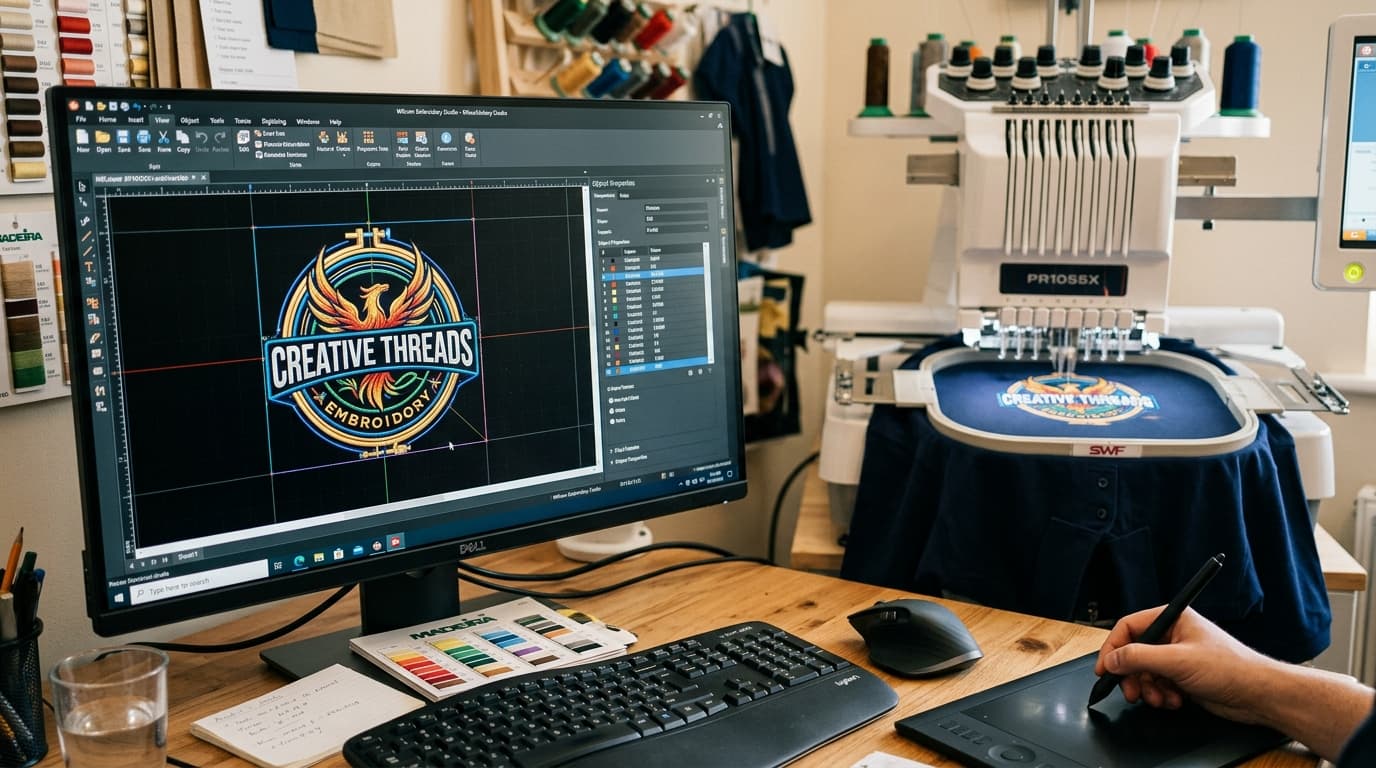
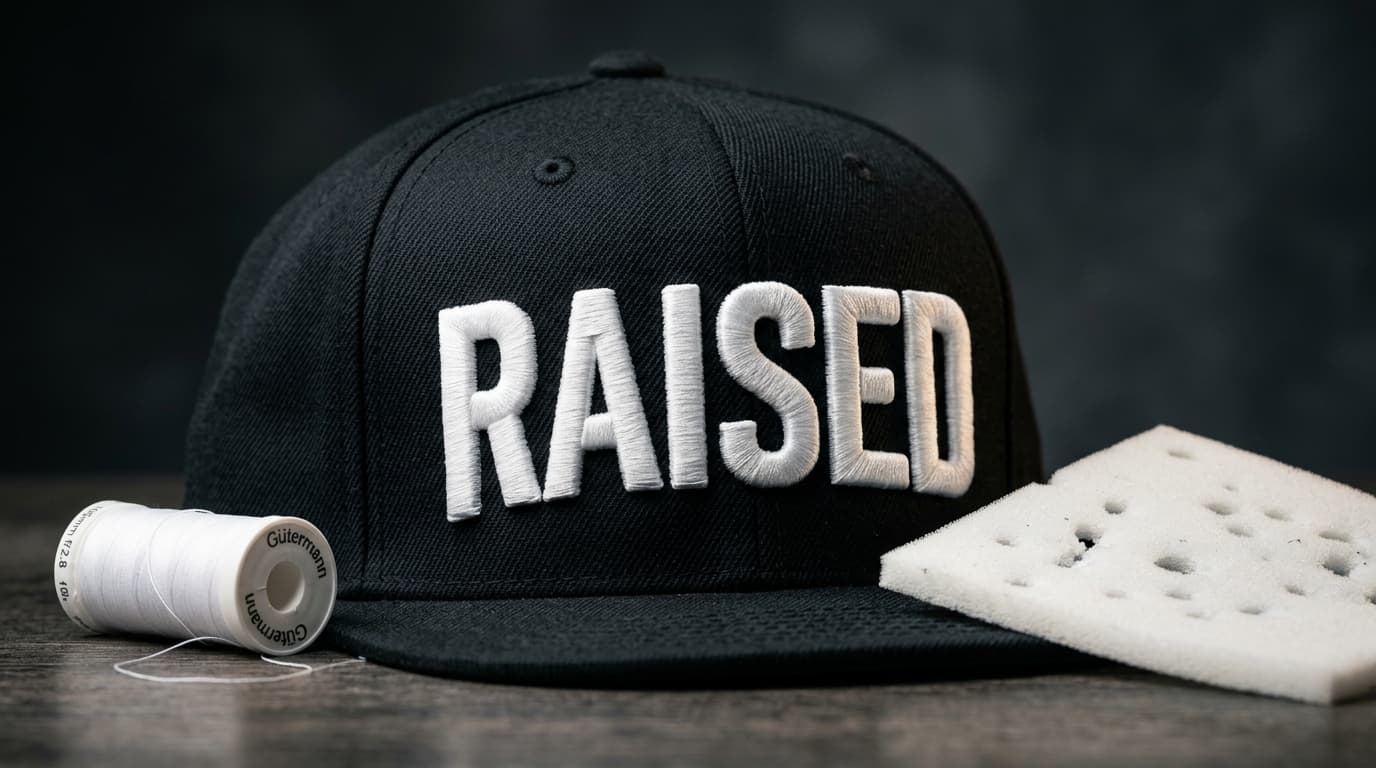
How to Convert PNG and JPG to DST Embroidery Files: Complete Guide
Tajima and commercial embroidery machines cannot sew flat PNG or JPG images. Discover how image files are converted into DST stitch formats with proper underlay and pull compensation.
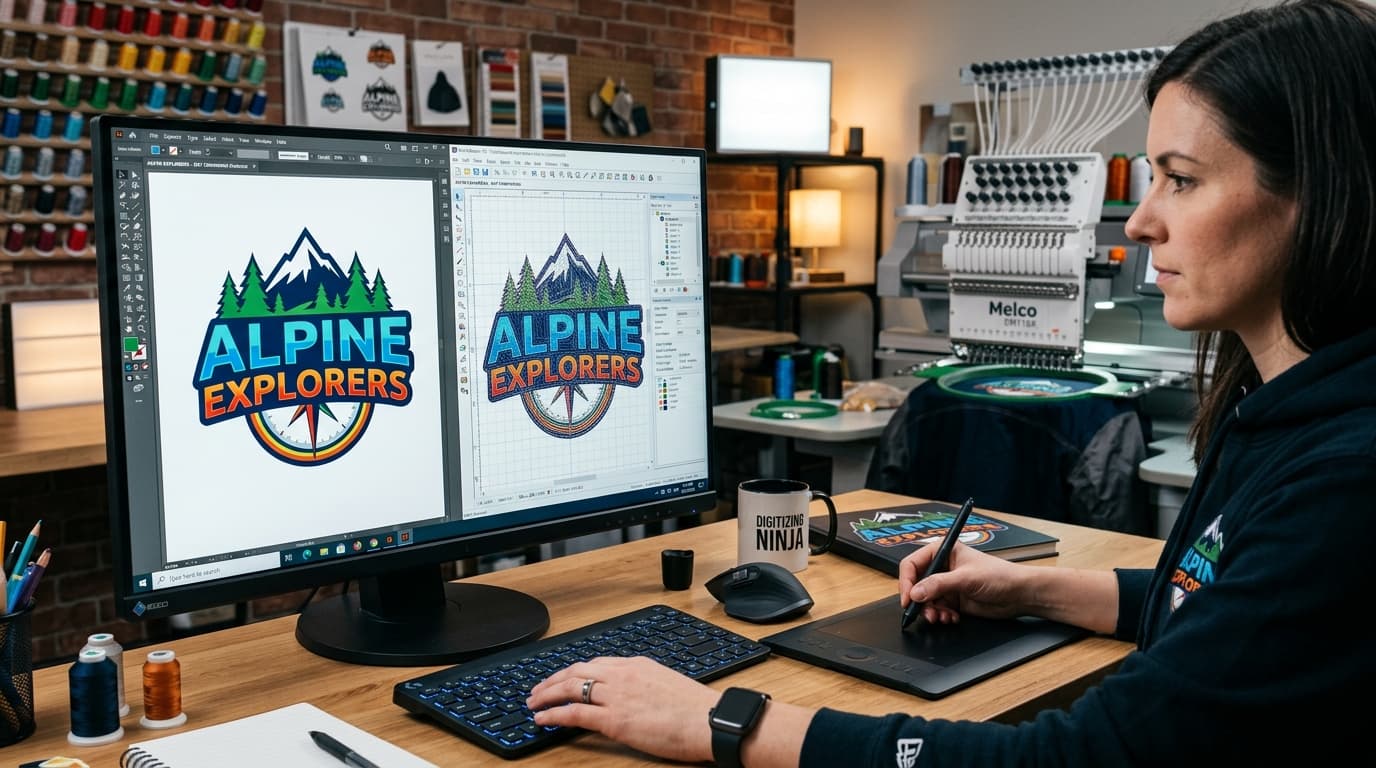
One of the most common questions from apparel decorators, screen printers, and embroidery business owners is: 'How do I convert a PNG or JPG logo into a DST embroidery file?' While printers can easily work with raster pixels, embroidery machines (such as Tajima, Barudan, Ricoma, and SWF) require coordinate-based stitch command instructions.
Why You Cannot Simply 'Save As' DST
A PNG or JPG file contains pixels with red, green, and blue values. An embroidery machine does not have a display buffer or color printer head; it has needles, thread spools, and tensioners. A .DST file (Tajima Data Stitch Format) tells the machine exactly where to move the pantograph, when to penetrate the needle, when to insert jump stitches, and when to trigger thread trims.
The Step-by-Step Conversion Workflow
Converting a raster image into a production-ready DST file follows a structured engineering workflow:
- 1Artwork Vectorization & Clean Up: High-contrast vectors ensure clean line work and eliminate pixel blur.
- 2Fabric & Garment Selection: Stitch parameters are adjusted depending on whether the design is sewn on pique polos, fleece hoodies, cotton twill caps, or nylon jackets.
- 3Underlay Structure Mapping: Foundation stitches (center run, edge run, tatami lattice) prevent the fabric from shifting and stretching during sewing.
- 4Section Digitizing & Stitch Types: Applying satin stitches for borders and lettering, tatami/fill stitches for large areas, and run stitches for fine details.
- 5Pull & Push Compensation: Compensating for thread tension that naturally pulls stitches inward and pushes columns outward.
- 6Pathing & Trim Optimization: Minimizing jumps and trims to speed up embroidery production times on multi-head commercial machines.
Free Auto-Converters vs. Professional Manual Digitizing
Online automated 'one-click' PNG to DST tools often create chaotic paths with zero underlay, excessive stitch density (causing needle breaks), and misaligned outlines. Professional manual digitizing ensures that every single needle penetration is planned for maximum efficiency and durability.
Need Fast PNG to DST Conversion?
Get your PNG, JPG, or PDF files converted into flawless DST and PES files within hours. Check out our custom digitizing services or upload your artwork directly on our contact page for an instant quote.
Related service
Custom Embroidery Digitizing