DST vs PES vs JEF: Which Embroidery File Format Do You Need?
Every embroidery machine brand reads its own file format. Pick the wrong one and the design will not load, or it loads without colors. Here is a simple map of the formats and the machines that use them.
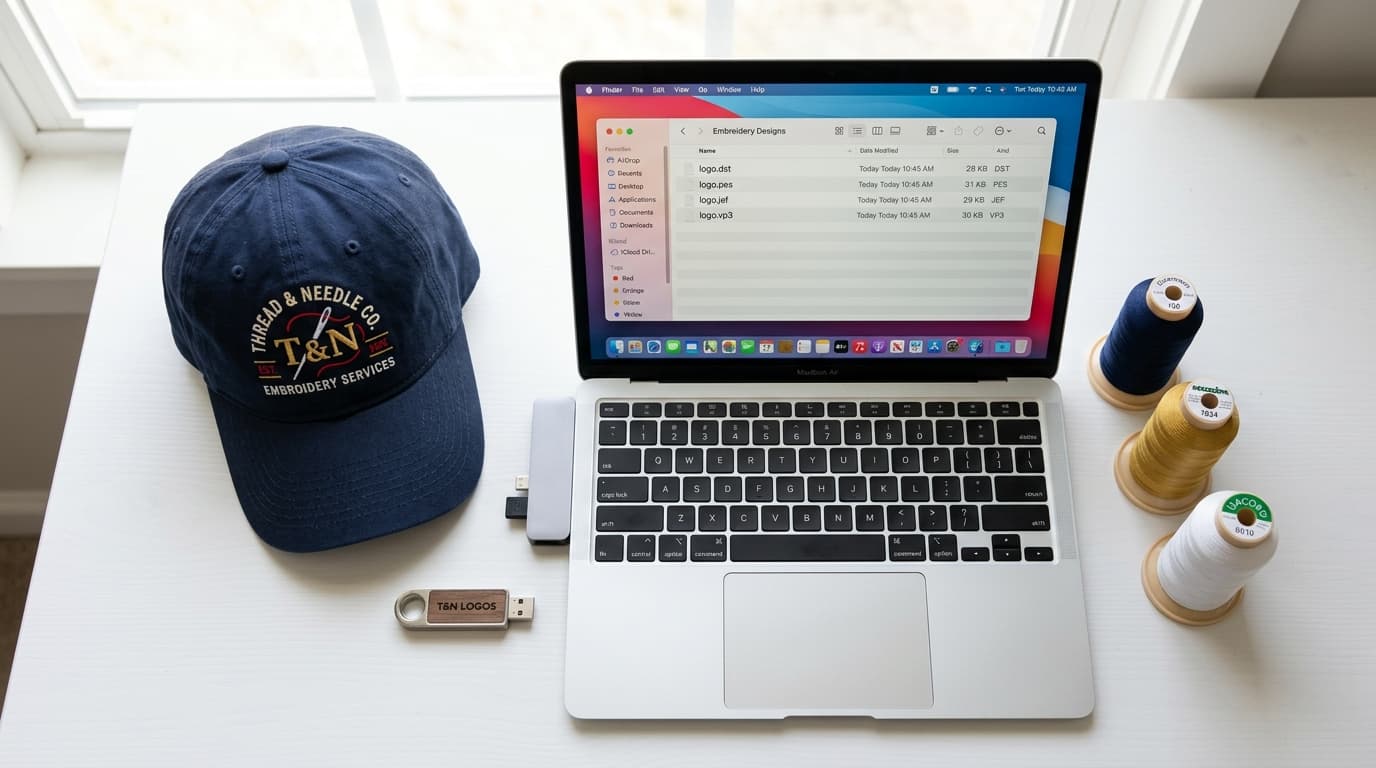
You have a digitized logo, you load it onto your machine, and nothing happens. Or it loads, but every element is the same color. Nine times out of ten the problem is the file format. Embroidery machines are surprisingly picky about which format they accept, and each brand has its own. This guide walks through the formats you will actually run into and tells you which one to ask for.
Why Embroidery Has So Many File Formats
Unlike images, where a PNG works everywhere, embroidery formats grew up separately inside each machine manufacturer. Tajima created DST for its commercial machines in the 1980s. Brother built PES for its home machines. Janome built JEF, Husqvarna built VP3, and so on. There was never a single standard, so digitizers today simply export to whichever format your machine needs.
There is one important thing to understand before comparing them. All of these are 'stitch files': they store finished needle positions. The digitizer's working file (an EMB, PXF or OFM file, depending on the software) holds the editable objects. Stitch files cannot be properly edited or resized after export. This is why you should always tell your digitizer the exact size before they export.
DST: The Commercial Standard
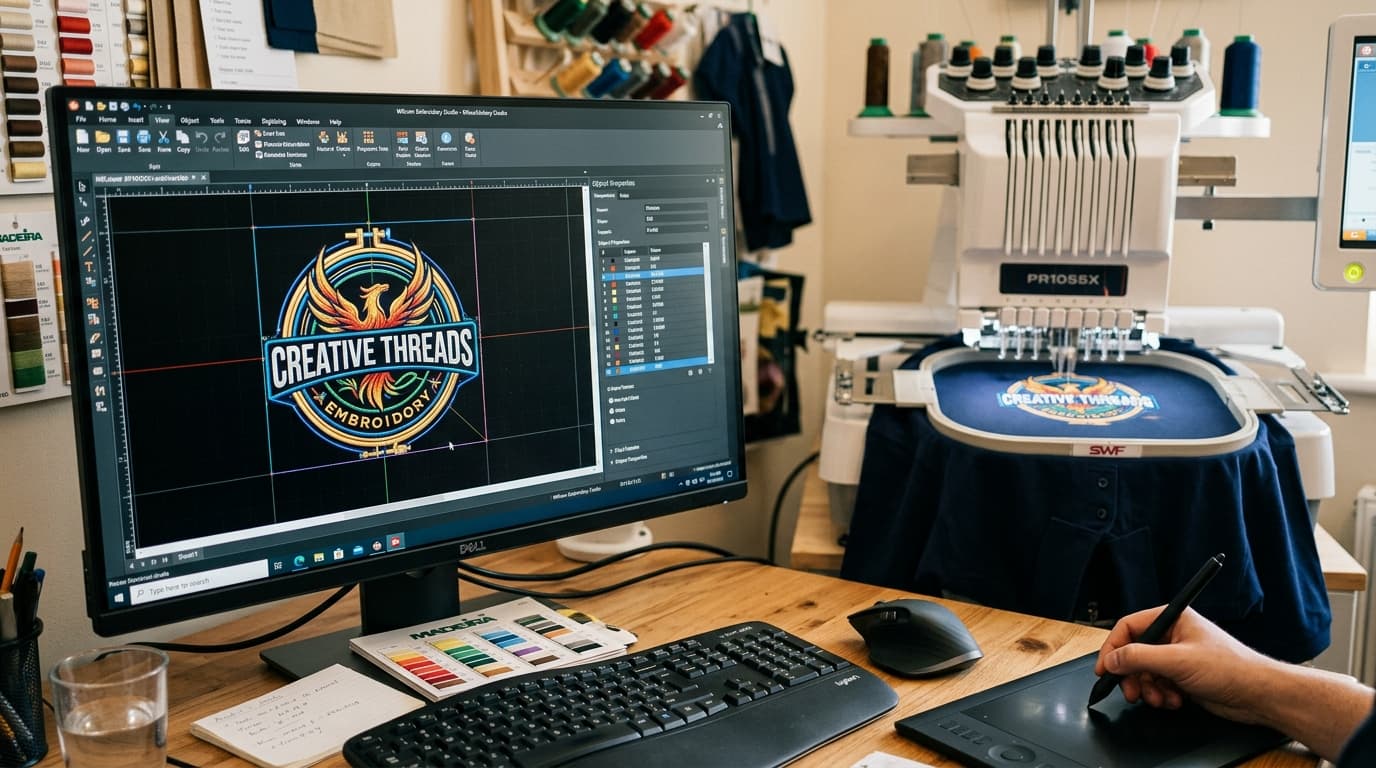
DST (Data Stitch Tajima) is the most widely accepted format in the industry. Virtually every commercial multi-needle machine reads it: Tajima, Barudan, SWF, Ricoma, ZSK, Happy, Brother commercial models and most Chinese machines. If you run an embroidery business or send work to a contract embroiderer, DST is what they will ask for.
- Stores stitch coordinates, jumps, trims and color-change stops.
- Does not store thread colors. You assign colors on the machine using the production sheet.
- Very small file size and maximum compatibility.
- Used by nearly all contract embroiderers and print shops.
PES: Brother and Babylock
PES is the native format for Brother home and semi-commercial machines, as well as Babylock, Bernina (some models) and Deco. If you own a Brother PE-800, SE-2000, PR-1055X or similar, this is your format. PES stores thread colors, so the design shows up in the right colors on the machine screen, which is a big help for home users.
JEF: Janome and Elna
JEF is Janome's format, also used by Elna and some Kenmore machines. Like PES, it carries color information. Janome machines are strict about hoop sizes, so make sure the digitizer knows which hoop you are using; a design that fits the 200 by 200 mm hoop will be rejected by a machine that only has a 140 by 200 mm hoop.
EXP, VP3, XXX, HUS and the Rest
- EXP: Melco and Bernina commercial machines. Melco's Bravo and EMT16 lines use this.
- VP3 and VIP: Husqvarna Viking and Pfaff home machines. VP3 stores colors and hoop data.
- HUS: older Husqvarna Viking machines.
- XXX: Singer and Compucon machines.
- SEW: older Janome and Elna models.
- PEC: an older Brother format still used by some models.
- DSB and DSZ: Barudan and ZSK variants of DST, usually interchangeable with DST.
Quick Reference: Machine Brand to File Format
- Tajima, Barudan, SWF, Ricoma, ZSK, Happy, most commercial machines: DST
- Brother, Babylock, Deco: PES
- Janome, Elna, Kenmore: JEF
- Melco, Bernina commercial: EXP
- Husqvarna Viking, Pfaff: VP3
- Singer: XXX
Does Converting Between Formats Lose Quality?
Converting between stitch formats keeps the stitches exactly the same, so there is no quality loss in the stitches themselves. What you can lose is metadata: converting PES to DST drops the colors, and converting DST to PES gives you a file with default colors you need to reassign. Some formats also have limits; older PES versions cap the design size, and DST rounds stitch positions to 0.1 mm, which is fine in practice.
The bigger risk is not the conversion but the assumption behind it. People often convert a file that was digitized for a cap so they can run it on a jacket, or scale it up 200 percent in the process. Stitch files do not scale well: densities become wrong, satin columns become too wide, and small text becomes unreadable. If you need a different size or fabric, get the design re-digitized rather than converted.
What to Tell Your Digitizer
- 1Your machine brand and model, or simply the format you need.
- 2The finished design size in inches or millimetres, and the hoop you will use.
- 3The fabric and product: cap, polo, fleece, twill patch, towel and so on.
- 4Thread brand if you need exact color matching (Madeira, Isacord, Robison-Anton).
With those four details a digitizer can export the right format at the right size the first time. If you are unsure about any of them, send what you know through our contact page and we will sort out the rest. Our digitizing services cover every machine format and every placement, from left chest logos to full jacket backs.
Related service
Embroidery Digitizing Services