Vector Art for Screen Printing vs Embroidery: How to Prep One Logo for Both
The same logo needs different prep for print and for thread. Compare line widths, text sizes, colors, gradients and file deliverables, with a checklist for both.
Raster to Vector Conversion
Convert any raster image into clean, scalable vector art. Manual tracing by expert artists with unlimited revisions and 24-hour turnaround.
Infinite Scaling
Infinite scaling, no pixelation
Manual Tracing
Manual tracing by expert artists
All Formats
AI, SVG, EPS, PDF formats
Unlimited Revisions
Unlimited revisions included
Our Services
Professional vector conversion services for every application and industry.
Convert low-resolution JPEG, PNG, or BMP images into crisp, scalable vector files. Perfect for logos and artwork that need to be resized without losing quality.
Recreate your existing logo as a clean vector file with precise paths, accurate colors, and proper layering. Ideal for print, embroidery, and large-format applications.
Create vector files optimized for applique cutting machines. Includes proper tack-down stitches, placement lines, and material boundaries for clean production.
Separate complex multi-color designs into individual vector layers for screen printing, vinyl cutting, or multi-needle embroidery production workflows.
Fix poor-quality vectors with proper node editing, curve smoothing, and path optimization. Transform messy auto-traced files into production-ready artwork.
Prepare vector artwork for commercial printing with proper bleed, color profiles, and formatting. Compatible with offset, digital, and large-format print methods.
Why Choose Velora?
Common questions about our vector conversion services.
We accept virtually any raster or vector format including JPEG, PNG, GIF, BMP, TIFF, PSD, PDF, AI, EPS, CDR, and even hand-drawn sketches or photographs.
Still have questions? We're here 24/7.
Contact Our TeamTechnique Deep Dive
How artwork prep differs for screen printing, DTF and embroidery.
Explore More Services
Raised dimensional foam embroidery for caps, snapbacks and hoodies.
Center-out digitizing engineered for curved cap frames with zero seam bunching.
Tackdown and satin border stitches for jerseys, varsity jackets and large text.
Embroidered, PVC, woven, and leather patches with merrowed borders.
Get your FREE quote now and experience premium quality digitizing.
From the Blog
How to prepare logos and vector files for embroidery and screen printing.

The same logo needs different prep for print and for thread. Compare line widths, text sizes, colors, gradients and file deliverables, with a checklist for both.
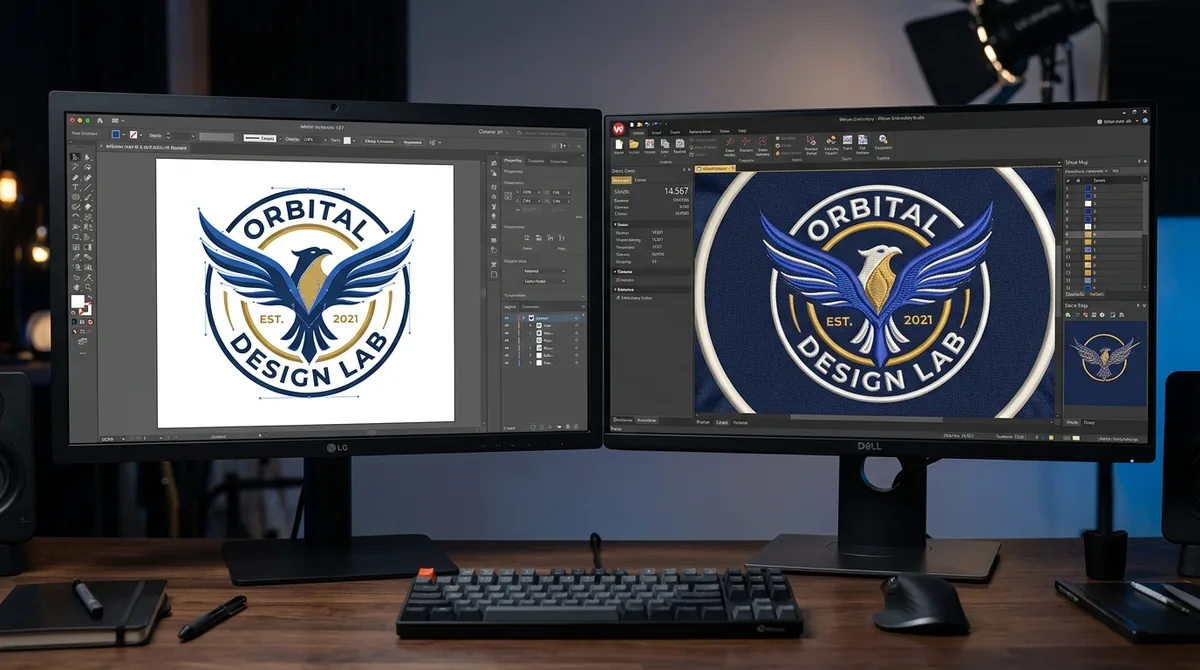
Illustrator prepares the vector; it does not make the stitch file. Here is the full workflow: clean the logo, export it, then convert it with software, an Illustrator plugin, free Ink/Stitch, or a digitizer.

Before a logo can be digitized it needs the right file, a real size and details that thread can hold. Here is what to send your embroiderer and how to fix artwork that will not stitch well.

Can you convert a JPG or PNG image to a DST file for free? Discover the true process of digitizing raster images into production stitch files.

Digitizing a photo for embroidery is not a file conversion. Here is the six-step workflow, a size guide, which pictures stitch well and why one-click converters disappoint.

Converting between machine formats is free and takes seconds. Converting a picture into stitches is digitizing. This guide compares the free tools for both and shows what to check before you sew a converted file.