DST Embroidery File: What It Is and How to Open It (Windows, Mac, Phone)
A DST file is a stitch file, not an image, so normal photo viewers cannot open it. Here is how to view, check and convert DST files for free, and when you need the original artwork instead.

Embroidery Digitizing Studio
Commercial Digitizing Service
Need production-ready machine files? Explore our Embroidery Digitizing Services
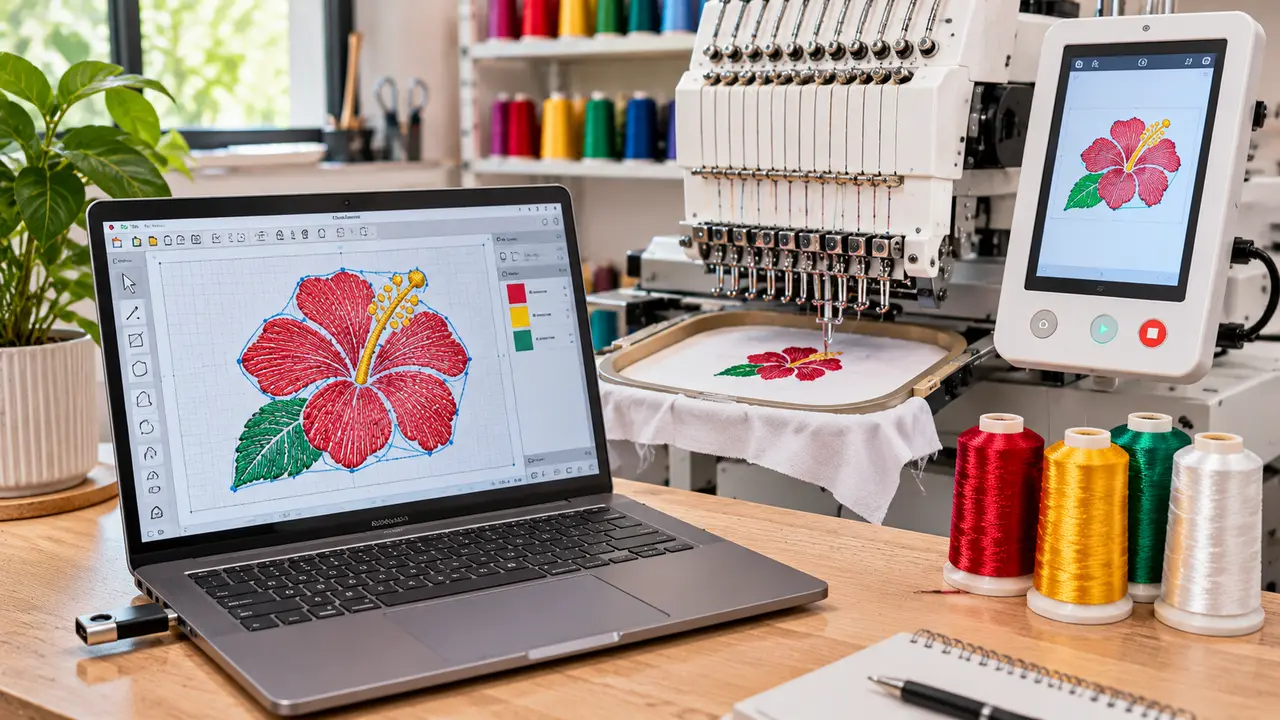
A DST embroidery file is a Tajima stitch file (DST is short for Data Stitch Tajima), the most widely accepted format on commercial embroidery machines. It stores the needle positions, jumps and color stops your machine follows, not a picture, so Windows Photos, Preview on Mac, Illustrator and Photoshop cannot display it. To open a DST file, use embroidery software or a free embroidery viewer such as Wilcom TrueSizer, Embrilliance Express or Ink/Stitch for Inkscape, which show the design, its size and its stitch count.
This guide explains how to open a DST file on Windows, Mac and phone, what you can and cannot change and what to do if you actually need the artwork. To learn how DST compares with other machine formats, read DST vs PES vs JEF file formats.
What Is a DST Embroidery File?
- Stitch coordinates: every needle penetration as a short move from the previous point.
- Jumps and trims: moves between areas without stitching.
- Color change stops: where the machine pauses for the next thread, without the actual thread color.
- Basic header data: design name, stitch count and extents.
| Property | DST file |
|---|---|
| Full name | Tajima stitch file (.dst) |
| Type | Machine stitch file: a list of needle movements, not shapes |
| Stores | Stitches, jumps, trims and color-change stops, plus the design name, stitch count and size |
| Does not store | Thread colors, object outlines, fonts or the original artwork |
| Unit and limits | Positions in 0.1 mm steps; a single stitch or jump can move at most 12.1 mm |
| Read by | Almost all commercial machines (Tajima, Barudan, SWF, Ricoma, Happy, Brother PR and others) and most embroidery software |
| Good for | Running production and sending files between shops |
| Weak for | Editing and large resizing, because the shapes behind the stitches are gone |
Because DST stores stitches rather than shapes, it is great for running on machines but limited for editing. The editable working file stays with the digitizer in the software's native format.
Free Programs That Open DST Files
| Program | Runs on | Cost | What you can do with a DST |
|---|---|---|---|
| Wilcom TrueSizer | Web browser | Free with a Wilcom account | View, check size and stitch count, resize within limits, save to other machine formats |
| Embrilliance Express | Windows and macOS | Free mode of a paid program | View the design, add lettering, save to machine formats |
| Ink/Stitch (Inkscape extension) | Windows, macOS and Linux | Free and open source | View, convert to PES, JEF, EXP, VP3 and more, and digitize new designs |
| Ember browser converter | Any browser, including tablets | Free, no sign-up | Preview and convert between DST, PES, JEF, EXP, VP3 and other formats |
| BERNINA ArtLink | Windows | Free | View designs and convert them to other machine formats |
| Machine-brand utilities | Mostly Windows | Free | View and convert for that brand of machine |
For a fuller comparison of these tools, including what each one reads and writes, see free embroidery file converters compared.
How to Open a DST File on Windows
- 1Install a free embroidery viewer, for example Wilcom TrueSizer or Embrilliance Express, or use Inkscape with the Ink/Stitch extension.
- 2Open the program and use File > Open, then choose your .dst file.
- 3Check the design width, height and stitch count against your hoop and order.
- 4Save a picture of the preview if you need to share it with a customer.
How to Open a DST File on Mac
Preview cannot read DST files. Use a Mac-compatible viewer such as Embrilliance Express, a browser-based viewer like TrueSizer on the web, or Inkscape with Ink/Stitch. Our free embroidery software guide covers Ink/Stitch in more detail.
How to Open a DST File on a Phone
Some mobile apps and web viewers can preview DST files, which is handy for a quick look at a design a customer sent. They rarely show exact measurements or allow reliable editing, so check the file on a computer before sending it to production.
Opening a DST File in Illustrator
Illustrator cannot open DST files and there is no reliable way to convert stitches back into clean vector art. If you need the design for print, signage or a new embroidery file, ask for the original artwork. If the artwork is lost, our vector art conversion service can redraw it as clean AI, EPS, SVG or PDF files.
How to Edit a DST File (and Change Its Colors)
A DST file is a list of needle movements plus jump, trim and color-change commands. It has no thread color data, no text objects and no shapes, so "editing" a DST means working with finished stitches. Some edits are safe; others need the original working file or a new file.
- 1Open the DST in a free editor such as Embrilliance Express, Wilcom TrueSizer or Ink/Stitch (Ink/Stitch imports it as a stitch plan).
- 2Count the color stops and compare them with the color sheet from your digitizer, so each stop matches the right part of the design.
- 3Assign a thread color to each stop. The preview will now look right, but the DST itself will not remember these colors.
- 4To keep the colors, save a copy as PES, JEF or another format that stores color, or print a color sheet for the machine operator.
- 5For position changes, rotate or mirror the whole design. Keep the original DST untouched as a backup.
| Edit | Possible in a DST? | Notes |
|---|---|---|
| Change thread colors | Yes | Colors are display only; save as PES or print a color sheet to keep them. |
| Rotate or mirror | Yes | Safe in any editor. |
| Delete a color block | Usually | Check that a trim is not lost at the join. |
| Resize up to about 10% | With care | Use software that recalculates stitches; check density on a test sew-out. |
| Resize more than 10-20% | No | Density and underlay no longer fit the size; the design needs re-digitizing. |
| Change text or spelling | No | DST has no text objects. You need the working file (such as EMB) or a new file. |
| Change density, underlay or stitch type | No | These were set when the file was digitized. |
If an edit falls in the "No" rows, ask your digitizer for the working file or a revised file. Velora includes revisions on every plan (1 on Basic, 3 on Standard, unlimited on Rush), so spelling fixes and size changes are handled from the source file rather than forced into the DST.
Converting DST to PES, JEF or Other Formats
Many viewers can save a DST in another machine format such as PES or JEF. This changes the container, not the stitches, so quality stays the same as the original DST. If your machine needs a format you do not have, it is often easier to ask your digitizer for it. We deliver DST, PES, EXP, JEF and other formats with every order.
When You Need a New File Instead
- You need the design much larger or smaller than the original size.
- The design was made for a cap and now needs to go on a jacket, or the other way around.
- The file stitches poorly: puckering, gaps or thread breaks. See common embroidery digitizing mistakes.
- You only have a PNG or JPG and need a stitch file. See how to convert PNG or JPG to DST.
In those cases the design should be digitized again for the new size and fabric. Our embroidery digitizing services start at the prices on our pricing page, and you can send your file or artwork for a quick quote.
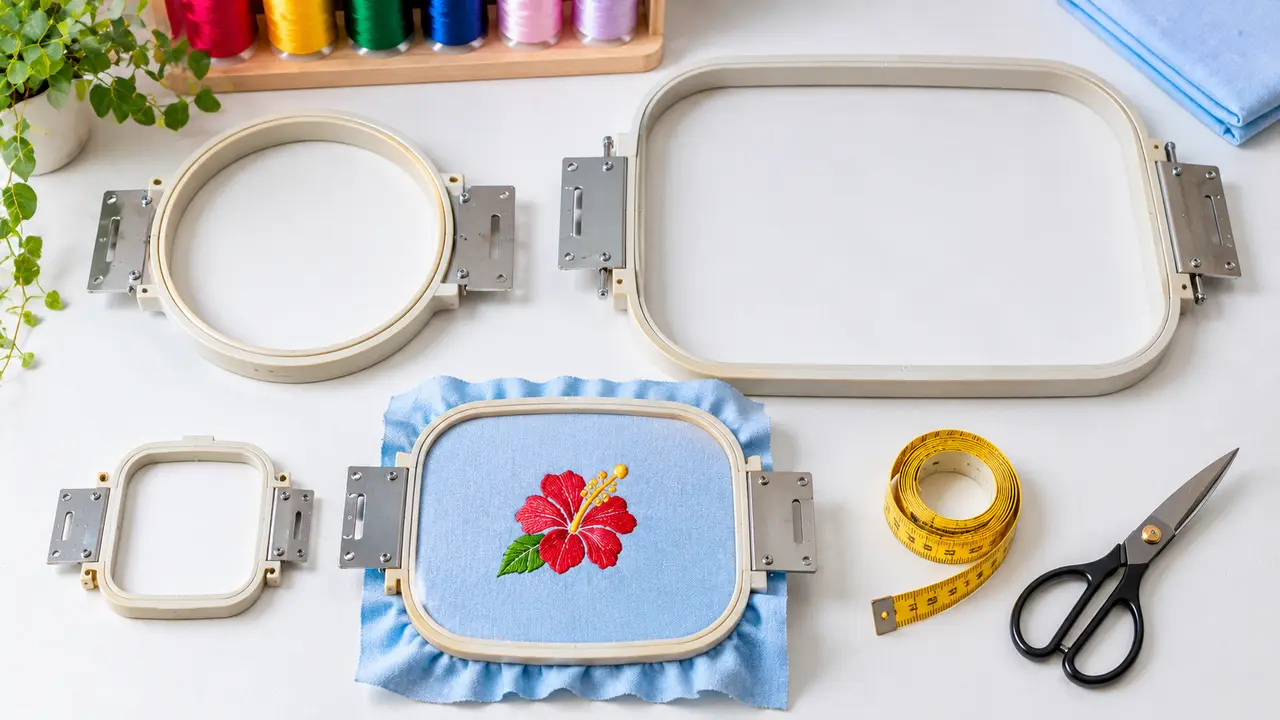
After opening a DST, check that it fits your machine with the embroidery hoop sizes chart. Most commercial machines read DST natively; see the multi-needle embroidery machine guide.
Written by the Velora Digitizing Team
Digitizing StudioThis guide is written and reviewed by the digitizers at Velora Digitizing, who prepare embroidery files for caps, jackets, patches, and left chest logos every day. The advice here comes from the same stitch-path, underlay, and fabric choices we make on client orders.
Related service
Embroidery Digitizing Services