Free Embroidery File Converters Compared: DST, PES, JEF, EXP and VP3 (2026)
Converting between machine formats is free and takes seconds. Converting a picture into stitches is digitizing. This guide compares the free tools for both and shows what to check before you sew a converted file.
Embroidery Digitizing Studio
Commercial Digitizing Service
Need production-ready machine files? Explore our Embroidery Digitizing Services
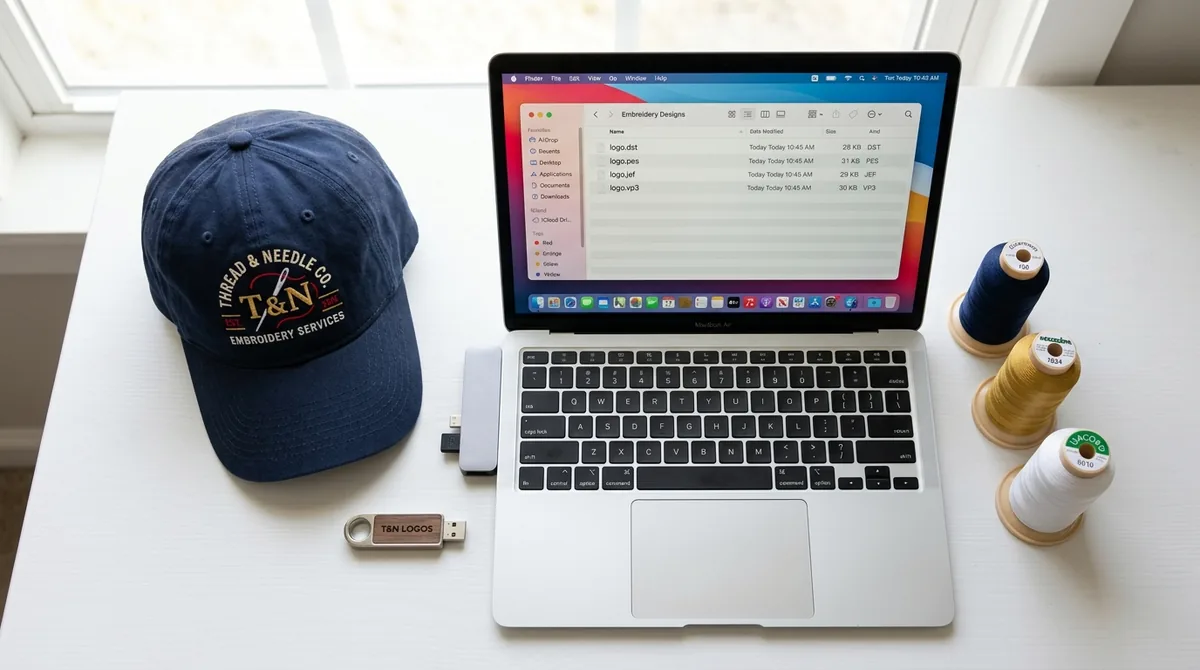
Converting an embroidery file from one machine format to another is free and takes seconds. DST to PES, PES to JEF, EXP to VP3: a browser tool such as Ember's converter, a desktop program such as Embird or Embroidery Converter Studio, Wilcom's TrueSizer, or the open-source Ink/Stitch will all do it. Converting a JPG or PNG into an embroidery file is a different job entirely. That is digitizing, and the online tools that promise it handle only simple, bold artwork.
This guide compares the free converters that actually work in late 2026, explains what each type of tool does and does not do, walks through a conversion, lists what can break when you change formats, and gives you a checklist to run before the converted file touches a garment. If you only need to open a DST to look at it, see how to open a DST file instead. If you are choosing which format your machine needs, start with the DST vs PES vs JEF guide.
Format Conversion vs Resizing vs Digitizing
Three jobs get called "converting" and only one of them is simple. Knowing which one you need tells you which tool to open.
- Format conversion rewrites the same stitches in another file structure. The needle positions do not change. This is what a free converter does, and it is safe.
- Resizing changes the distance between stitches. Shrinking a design packs the stitches tighter; enlarging it spreads them out. Most converters and viewers will let you resize, but beyond roughly 10 to 20 percent the density, underlay and pull compensation are wrong for the new size. A file sized for a jacket back cannot be converted into a cap file by shrinking it.
- Digitizing turns artwork (JPG, PNG, SVG, AI) into stitches. A format converter cannot do this at all. Image-to-embroidery tools attempt it automatically, with mixed results that depend on how simple the artwork is.
Free Embroidery File Converters Compared
Format support below was checked against each vendor's own page in November 2026 where noted. Where a vendor does not publish a format list, the row says so rather than guessing. Vendors change these lists, so confirm your exact input and output formats on their page before you rely on a tool for a production run.
| Tool | Price | Runs where | Reads | Writes | Job type | Privacy | Best for |
|---|---|---|---|---|---|---|---|
| Ember browser converter | Free, no sign-up | Any browser (Windows, Mac, Linux, tablet) | PES, DST, EXP, JEF, VP3, U01, PEC, XXX, TBF, G-code (checked) | Machine formats for Brother, Tajima, Janome, Pfaff, Barudan, Singer; exact list not published | Format conversion | Runs in the browser; the page states files never leave your device | One-off DST to PES or JEF swaps with nothing to install |
| Embroidery Converter Studio (embroideryconverter.com) | Free; Pro is a one-time purchase for bulk conversion | Windows and macOS download | 26 input formats (count published, names not listed) | 15 output formats (count published, names not listed) | Format conversion, with viewer and stitch player | Desktop app; offline behavior not stated on the page | Converting many files at once, or formats browser tools skip |
| Ink/Stitch (Inkscape extension) | Free, open source | Windows, macOS, Linux | DST, PES, JEF, EXP, VP3, XXX and more (checked) | DST, PES, JEF, EXP, VP3, XXX and more (checked); no EMB | Format conversion and full digitizing | Local, nothing uploaded | People who also want to edit or digitize, and Mac or Linux users |
| Embird | Paid, with a trial (as listed) | Windows | Most machine formats (as listed) | Most machine formats (as listed) | Format conversion, editing, digitizing modules | Local | Shops that already own it; not worth buying only to convert |
| Wilcom TrueSizer | Free with a Wilcom Library account; licence otherwise listed at US$49 a year (as listed) | Web browser | EMB plus machine formats; list not published on the product page | Multiple machine formats; list not published | View, resize within limits, convert | Browser based, files are uploaded to Wilcom | Opening EMB files and exporting a machine format from them |
| Embrilliance Express | Free mode of the paid Embrilliance platform (checked) | Windows 7 to 11, macOS 10.9 onward (checked) | Its own .BE files and .BX fonts; machine formats as listed | Saves to machine formats; exact list not published | Lettering, merging designs, saving to machine formats | Local | Mac users who also want to add names and text |
| My Editor and brand utilities (Brother, Janome, Bernina viewers) | Free (as listed) | Mostly Windows | The brand's formats plus common ones (as listed) | The brand's formats (as listed) | View and convert for that machine family | Local | Owners of that brand who want the vendor-blessed file |
| Image-to-stitch tools: EmbroidAI, click-stitch, SewFlow, VectoSolve | Free tiers with limits (click-stitch: 3 conversions a day, 3 colors, 3 inches; checked), paid plans above | Browser | PNG, JPG, SVG, WEBP images (checked for EmbroidAI and click-stitch) | DST, PES, EXP, JEF, VP3, XXX, HUS and similar (checked) | Auto digitizing, not format conversion | Images are uploaded to the service | Bold, simple artwork for a test; not small text, caps or puff |
The pattern is clear. For a plain format swap, use the browser converter or Ink/Stitch and keep your file on your own machine. For EMB, use the Wilcom tool. For a picture, you are no longer converting, and the last row applies with all its limits.
How to Convert an Embroidery File With a Free Browser Tool
The steps are the same across browser converters; only the button labels differ. Have the original file, your machine's required format and your hoop size to hand.
- 1Check which format your machine reads before you start. Tajima and most commercial multi-heads use DST, Brother and Babylock use PES, Janome uses JEF, Melco and Bernina use EXP, Husqvarna Viking and Pfaff use VP3. The formats guide has the full list by brand.
- 2Open the converter and add your source file. Browser tools that process locally will say so; if a tool asks you to upload to a server, decide whether that is acceptable for a client's logo.
- 3Preview the design. Check the stitch count, the finished size in millimetres or inches, and the number of color stops against what the digitizer sent you.
- 4Choose the output format. Do not resize at this step unless the change is well under 10 percent.
- 5Download the converted file and open it a second time in a viewer, ideally a different one, to confirm it reads cleanly.
- 6Load it on the machine, assign thread colors in the order of the color stops, and run a test on scrap of the same fabric before the production piece.
Converting With Ink/Stitch
Ink/Stitch is a free extension for the Inkscape vector editor and it reads and writes DST, PES, JEF, EXP, VP3 and XXX among others. To convert, you open the stitch file in Inkscape with Ink/Stitch installed, then use Save As and pick the target embroidery format from the list. Because Ink/Stitch is a full digitizing tool, you can also inspect the stitch plan, re-sequence objects or change thread colors before you export.
The trade-off is setup time. Installing Inkscape plus the extension and learning its layout takes longer than a browser converter, so it pays off when you convert often or want to edit. The free embroidery digitizing software guide covers installation and the first design. Ink/Stitch does not read EMB; for that you still need a Wilcom tool.
What Breaks When You Convert
Stitches survive conversion. The information around them often does not. These are the things to check every time.
- Thread colors. DST stores color change commands but not thread colors, so a DST converted to PES opens with default colors. Reassign them from the digitizer's color sheet.
- Trims and jumps. Some formats carry explicit trim commands and others infer trims from jump length. After conversion a design may trim where it should not, or leave long jumps that need manual trimming.
- Design origin and hoop. The start point can move to a corner or the center. Re-center the design in the machine and confirm it fits the hoop you plan to use; a converter does not know your hoop.
- Stitch count. A small change of a few stitches is normal when formats encode long stitches differently. A large change means something went wrong, often a hidden resize.
- Maximum stitch length. Formats have different limits, so very long stitches get split into shorter ones. This is harmless unless the design relied on long satin for a specific look.
- Design name and notes. Most of the metadata is dropped. Keep your own file naming so the client's version history is not lost.
DST vs PES: the Two Conversions People Ask About Most
DST to PES is the most common request, usually from a home embroiderer who received a commercial file. The stitches convert cleanly; the work is in color. Expect to set every thread color by hand, and check that the design is not larger than your Brother or Babylock hoop. Many commercial DST files were digitized for 12 by 12 inch fields.
PES to DST goes the other way, from a home design to a commercial machine. Colors are lost on purpose because DST has nowhere to put them, so print the color sequence first. Also check for a PEC block or embedded preview: some converters drop it, which is fine, while others fail on it. The DST vs PES vs JEF guide explains the color palette limits of each format in more depth.
EMB, OFM, PXF and Other Native Formats
Machine formats such as DST and PES contain finished stitches. Native formats such as Wilcom EMB, Melco OFM and Pulse PXF contain the objects behind the stitches: outlines, stitch types, densities and sequencing. That is why they are called working files and why generic converters usually cannot read them. The software that created them has to open them and generate stitches.
For EMB the practical route is Wilcom TrueSizer, which runs in a browser and is bundled with a Wilcom Library account, or any Wilcom product. Open the EMB, export the machine format your customer needs and keep the EMB as your master. If you receive an EMB and have no Wilcom access, the fastest fix is to ask the digitizer for the machine formats; Velora sends every machine format plus the EMB with each order so this situation does not come up.
Image-to-Embroidery Converters, Honestly
Tools such as EmbroidAI, click-stitch, SewFlow and VectoSolve take a PNG, JPG or SVG and output DST, PES and other machine formats. They do this by tracing the image into shapes and assigning fill or satin stitches automatically. On a bold two-color logo with letters above about 8 millimetres, the result can run acceptably. That is a real use, and the free tiers are enough to test it: click-stitch, for example, allows three conversions a day at up to three colors and three inches on its free plan.
Where they fall short is predictable: small text, thin outlines, gradients, photos, anything on a curved cap frame, and 3D puff. Automatic tracing does not set pull compensation for the fabric, does not sequence a cap center-out, and does not add end caps for foam. Those are decisions a person makes. The PNG to DST guide shows what the free converters produce on real artwork, and the photo to embroidery guide covers why photographs need a different approach altogether.
Checklist Before You Stitch a Converted File
- 1The finished size matches the original to the millimetre, and it fits the hoop you will use.
- 2The stitch count is within a few percent of the original.
- 3Color stops match the digitizer's color sheet, and thread colors are assigned in that order.
- 4Trims appear where the original had them; no long untrimmed jumps across open fabric.
- 5The design origin is centered, or you have re-centered it on the machine.
- 6You have run a test on the same fabric with the same stabilizer and needle before the production piece.
- 7You kept the original file and named the converted one so nobody mistakes one for the other.
When to Ask a Digitizer Instead of Converting
Convert when you have a good file in the wrong format. Re-digitize when the file needs to change size by more than 10 to 20 percent, move from a flat garment to a cap, gain or lose 3D puff, or when the only source is an image. Those are new files, and a converter cannot produce them.
If you order from Velora's digitizing services, you receive DST, PES, EXP, JEF, VP3, XXX, HUS, CSD, SEW and EMB in one delivery, with a color sequence sheet, so format conversion is never your problem. Plans start at $6.99 per design by stitch count, and the revision allowance covers density and size adjustments that a converter would get wrong.
Written by the Velora Digitizing Team
Digitizing StudioThis guide is written and reviewed by the digitizers at Velora Digitizing, who prepare embroidery files for caps, jackets, patches, and left chest logos every day. The advice here comes from the same stitch-path, underlay, and fabric choices we make on client orders.
Related service
Embroidery Digitizing Services