What File Type Does a Brother Embroidery Machine Use? (PES Explained)
Brother and Baby Lock machines read PES files. Here is what PES is, which versions to use, how to transfer designs and what to do when your machine will not open a file.

Embroidery Digitizing Studio
Commercial Digitizing Service
Need production-ready machine files? Explore our Embroidery Digitizing Services
The Brother embroidery file type is PES. Brother and Baby Lock home embroidery machines read PES files, which store the stitches, thread colors and a preview image. Many Brother multi-needle models can also read DST, the commercial standard. If your design is in another format, convert it to PES or ask your digitizer for a PES version sized for your hoop.
This guide explains PES versions, how to load designs, how to convert other formats and how to fix files your machine will not open. We deliver PES, DST and other formats with every order from our embroidery digitizing services.
What Is a PES File?
PES is Brother's embroidery format. Like DST, it stores stitch coordinates, jumps, trims and color changes. Unlike DST, it also stores thread colors and a design preview, so the machine shows the right colors on screen. It is a stitch file, not editable artwork; for big changes the design must be digitized again.
Which Machines Use PES?
| Machine brand | Main file type | Notes |
|---|---|---|
| Brother (home machines) | PES | The native Brother format; stores thread colors and a preview |
| Baby Lock | PES | Shares the Brother format |
| Brother multi-needle (PR series) | PES and DST | Check the manual for your model |
| Janome | JEF | Some models also read other formats |
| Husqvarna Viking and Pfaff | VP3 | Older models use HUS (Viking) or PCS (Pfaff) |
| Bernina | EXP and ART | ART is Bernina software's own format |
| Singer | XXX | Some newer models read PES as well |
| Commercial machines (Tajima, SWF, Ricoma, Happy and others) | DST | The commercial standard; no thread colors stored |
- Brother single-needle home machines: PES is the main format.
- Baby Lock embroidery machines: also use PES.
- Brother multi-needle machines: usually read PES and often DST as well; check your manual.
- Other brands: Janome uses JEF, Husqvarna Viking and Pfaff use VP3, and most commercial machines use DST. See embroidery file formats compared.
PES Versions and Older Machines
PES has been updated several times. Newer software can save newer PES versions that older machines may not read. If an older machine shows an error or a blank preview, save the design as an older PES version in your embroidery software or ask your digitizer for a compatible version.
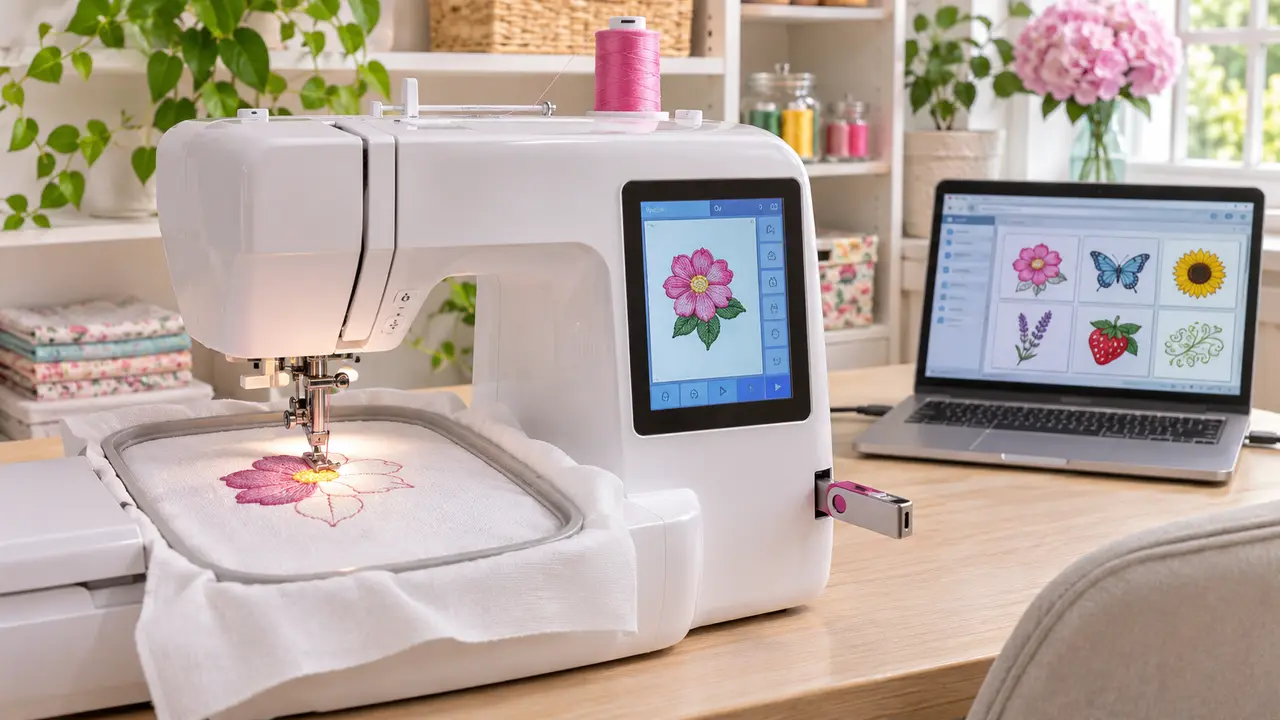
How to Load a PES File on a Brother Machine
- 1Use a small, standard USB flash drive formatted as FAT32.
- 2Copy the PES file to the main folder of the drive, not inside many subfolders.
- 3Keep the file name short, using letters and numbers only.
- 4Insert the drive into the machine and open the USB or memory menu.
- 5Select the design and check that it fits the hoop shown on screen.
How to Convert DST or Other Formats to PES
Free and paid embroidery programs can open a DST and save it as PES; see how to open a DST file for free viewers. Converting changes the format, not the stitches, so quality stays the same. DST has no thread colors, so you may need to set colors after converting. Do not try to convert a JPG or PNG directly; images must be digitized. See how to convert PNG or JPG to DST and how to digitize embroidery designs.
Fixing "Cannot Read File" Errors
| Cause | Fix |
|---|---|
| The PES version is newer than the machine supports | Save the design as an older PES version |
| The design is larger than the hoop or sewing field | Resize slightly or ask for a version sized for your hoop |
| The USB drive is too large or not FAT32 | Use a small drive formatted as FAT32 |
| The file name has special characters or is very long | Rename it with short letters and numbers only |
| The file is in a subfolder or among many other files | Put it in the main folder of an otherwise empty drive |
| The download was interrupted | Download the file again |
Ordering Designs for Your Brother Machine
Tell us your machine model and hoop size, and we will deliver PES sized to fit, plus DST if you also use a commercial machine. Popular jobs include cap logos, applique and 3D puff. See digitizing prices or send your artwork.
Written by the Velora Digitizing Team
Digitizing StudioThis guide is written and reviewed by the digitizers at Velora Digitizing, who prepare embroidery files for caps, jackets, patches, and left chest logos every day. The advice here comes from the same stitch-path, underlay, and fabric choices we make on client orders.
Related service
Embroidery Digitizing Services